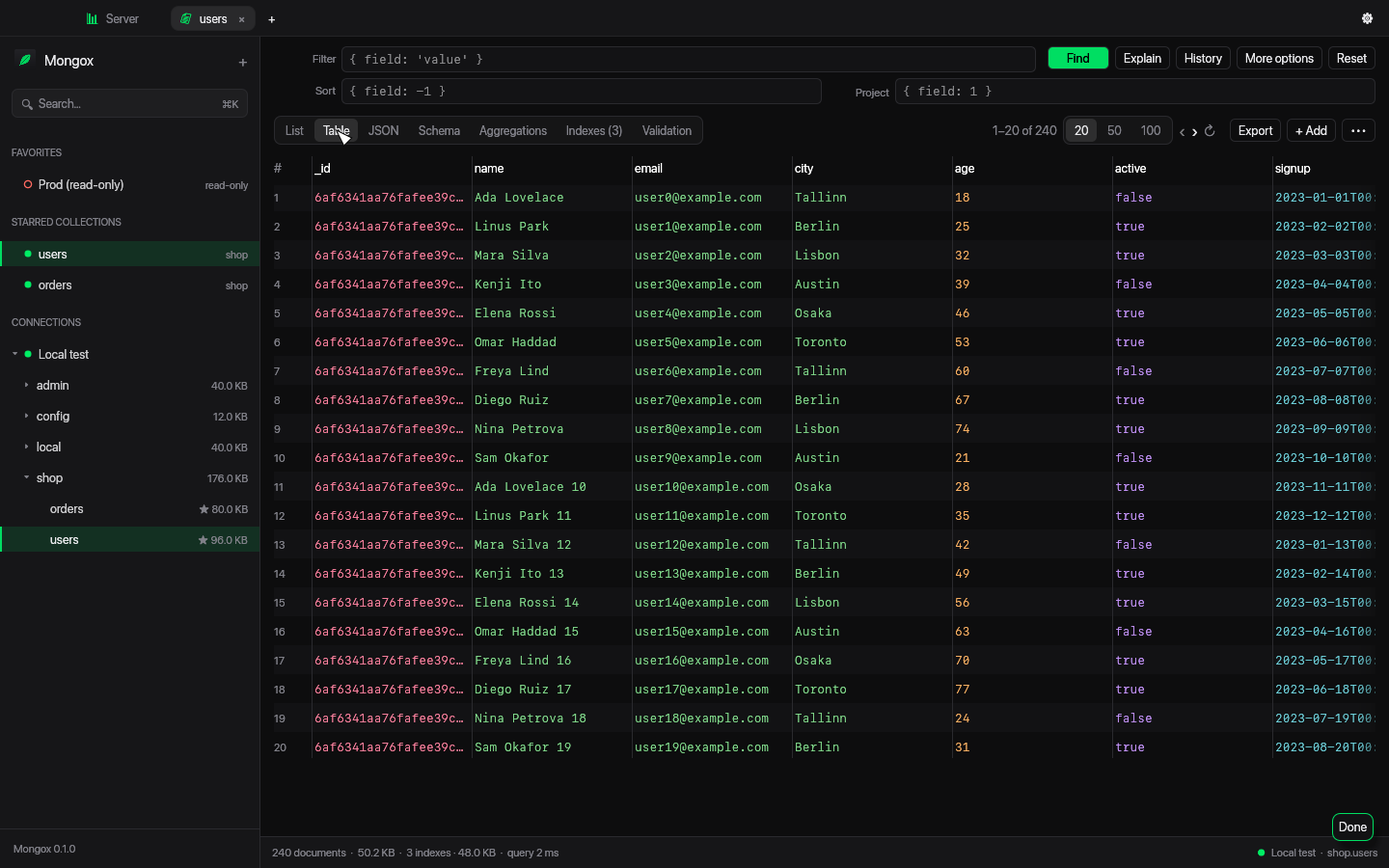
Table view
Scan hundreds of documents as rows, with exact counts and paging.
Mongox is written in Rust and drawn straight on the GPU. No Electron, no WebKit — one ~20 MB app that opens instantly and scrolls thousands of documents smoothly.
Get MongoxSee it in action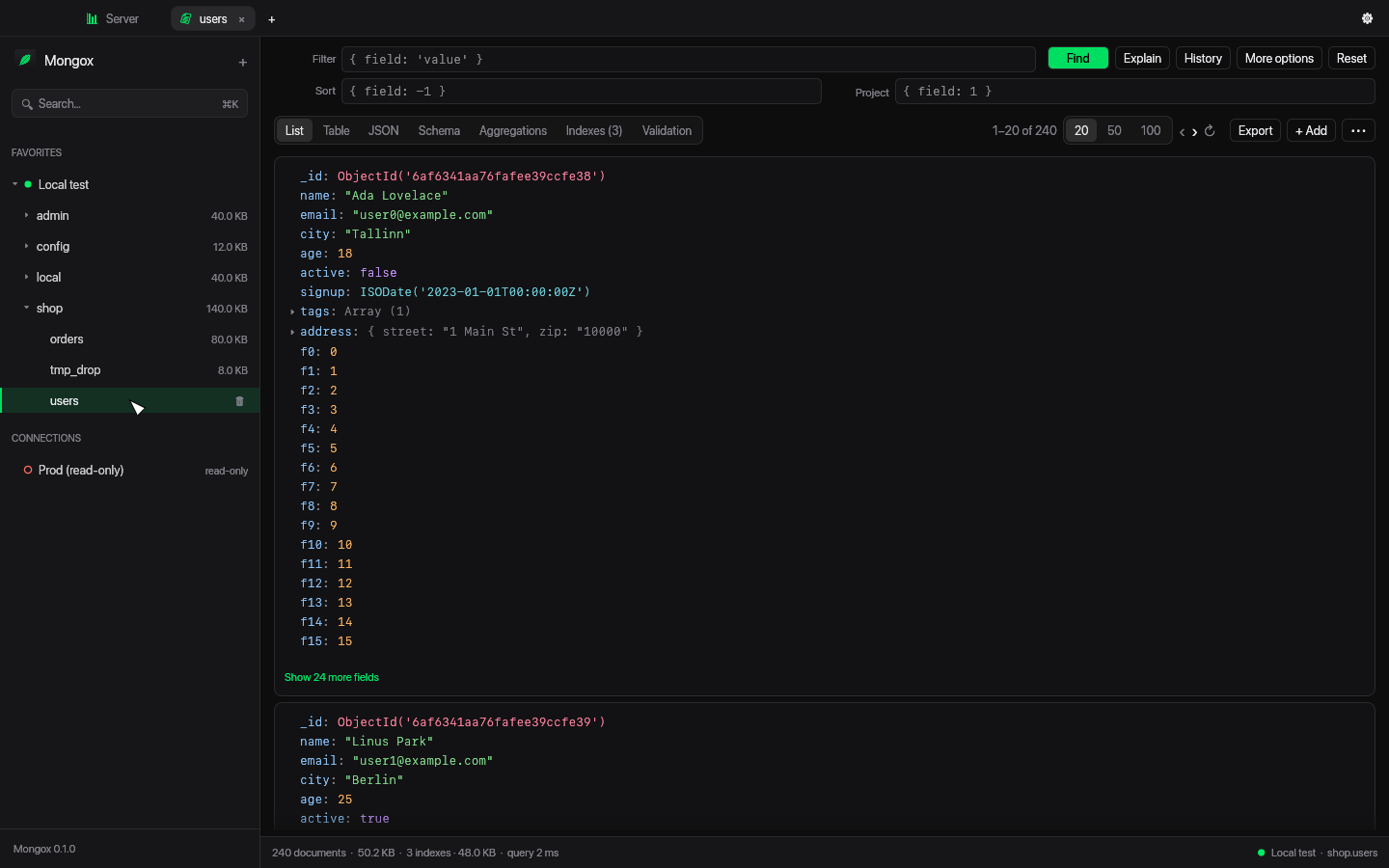
Atlas SRV, replica sets, TLS, SSH tunnels via your ~/.ssh/config, passwords in the macOS Keychain.
Mark a connection read-only and every write is blocked — in the UI and in the shell.
Filter, project, sort, collation and hint with ObjectId(), ISODate(), regexes, plus field and operator completion.
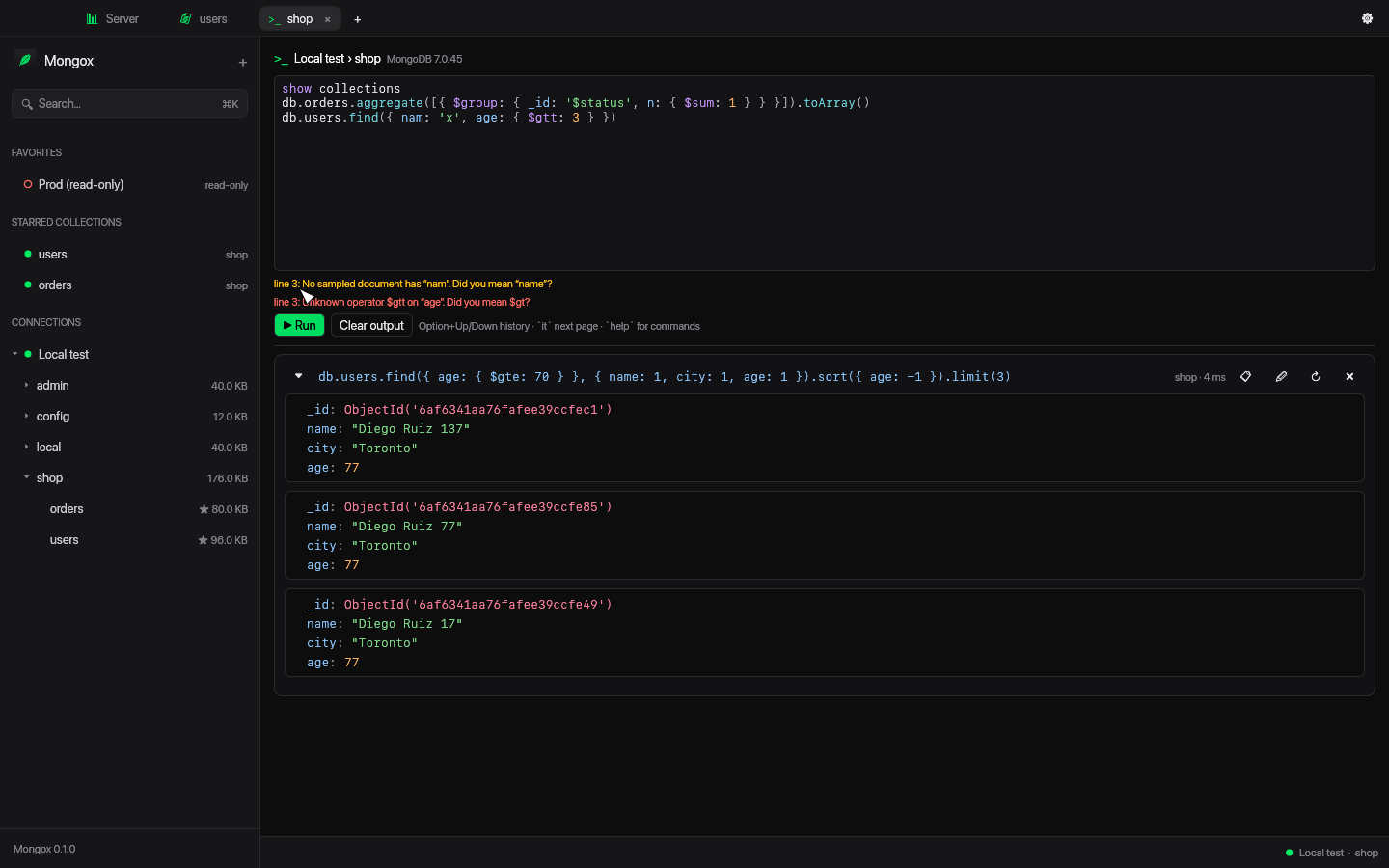
Warns about unknown fields and operators before you run, with “did you mean” suggestions.
Double-click any value to edit just that field. Bulk update or delete by filter with a preview.
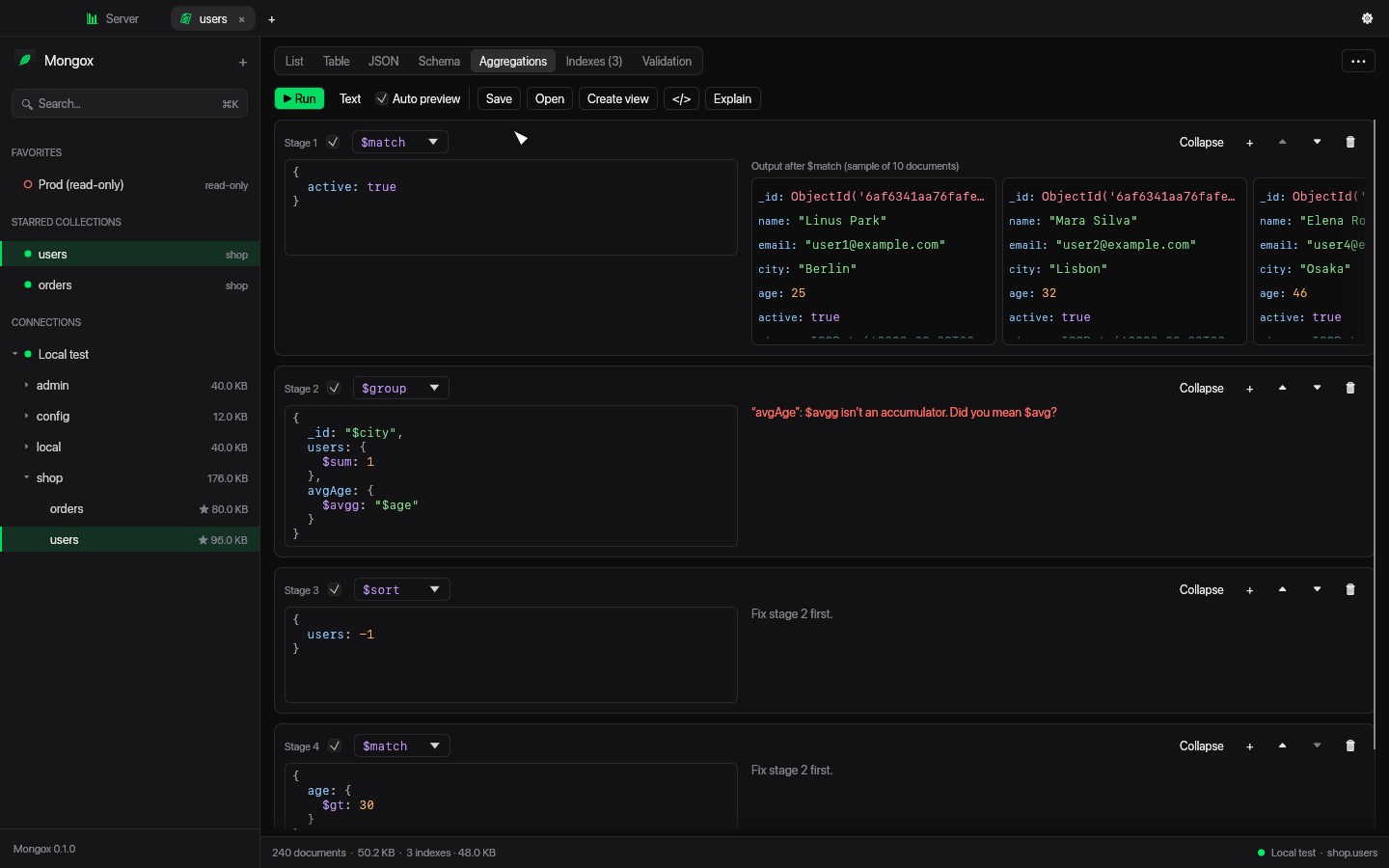
Live previews after every stage, toggle and reorder stages, save pipelines, create views.
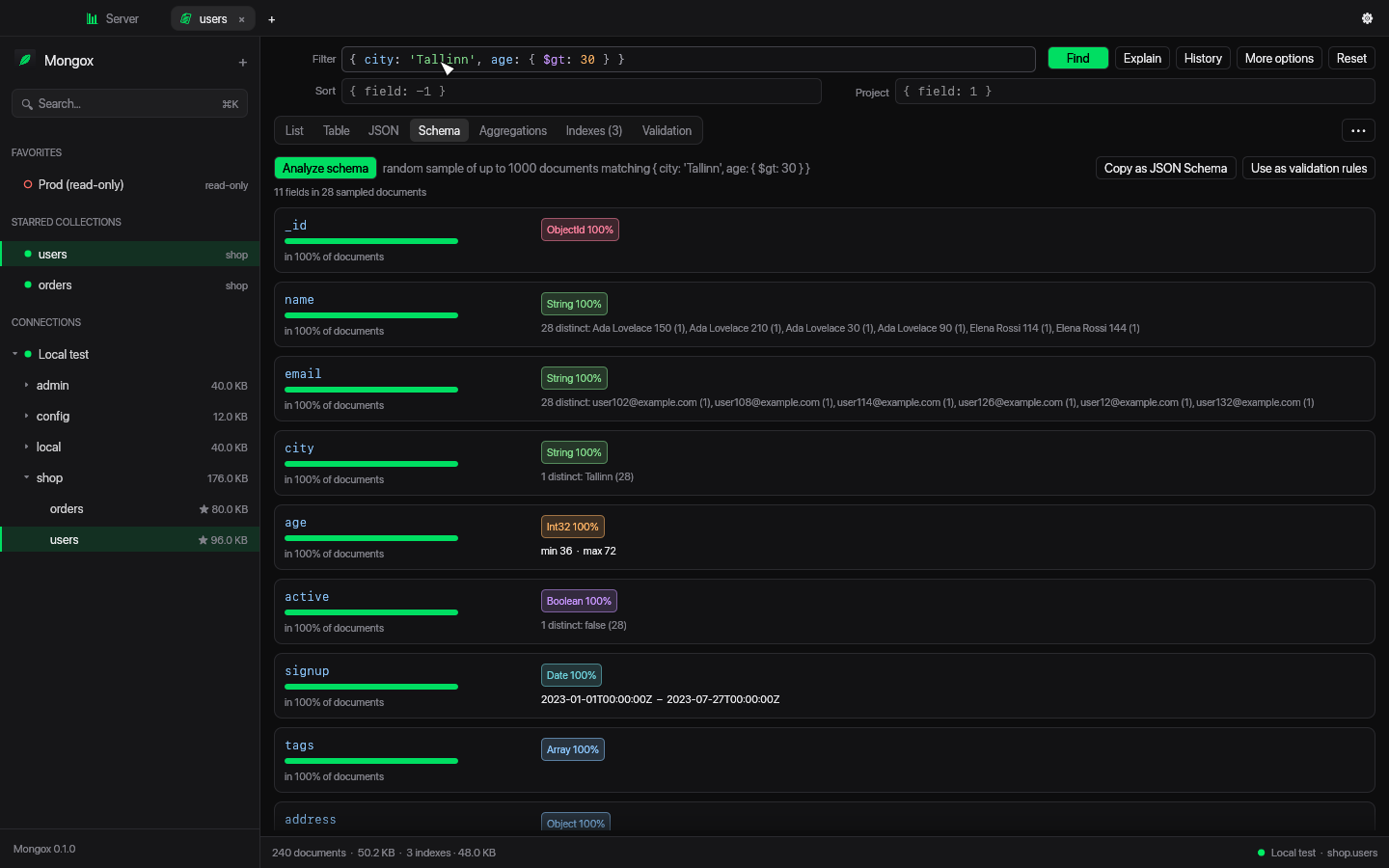
Presence, types, ranges and top values for every field path; turn it into validation rules.
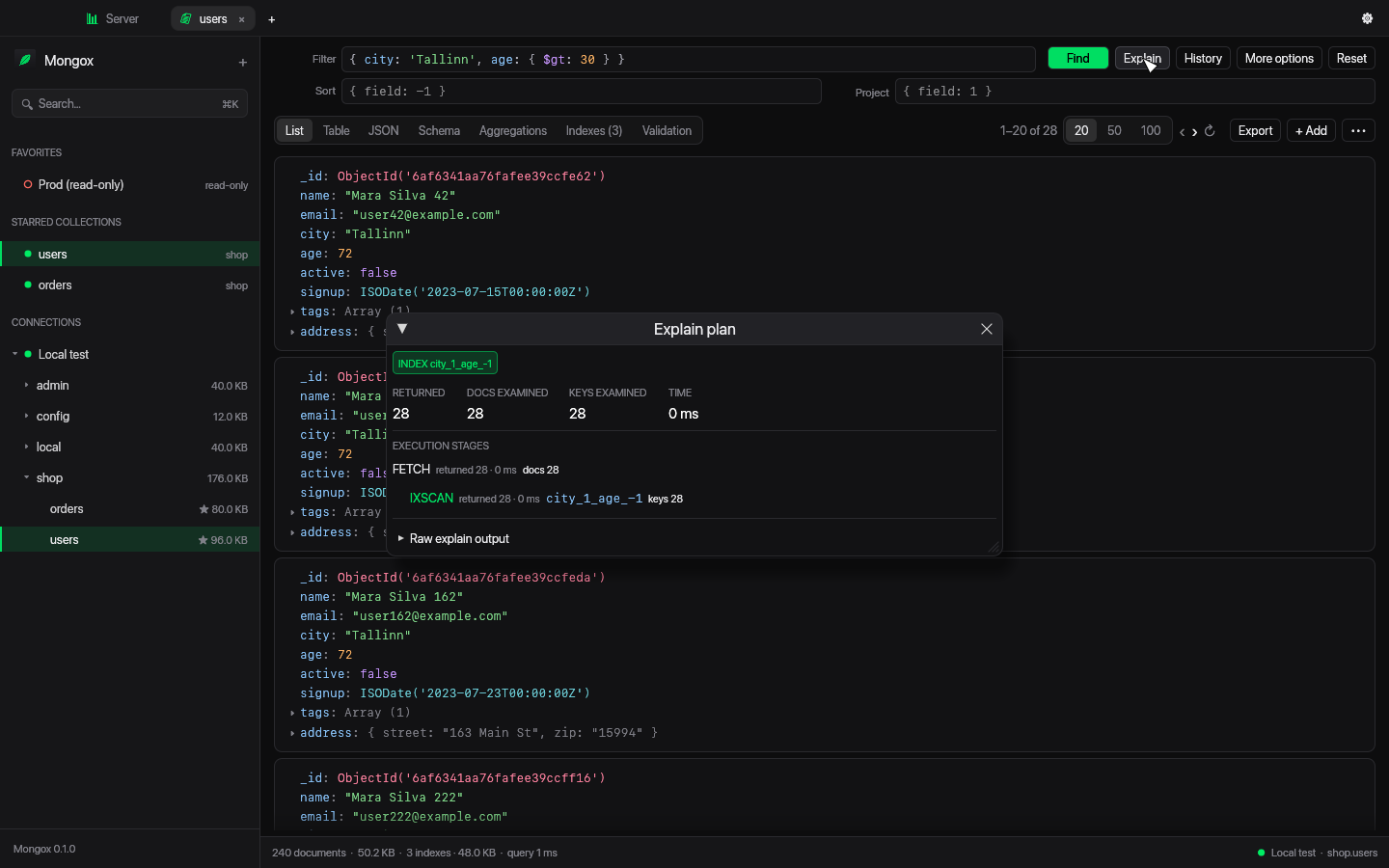
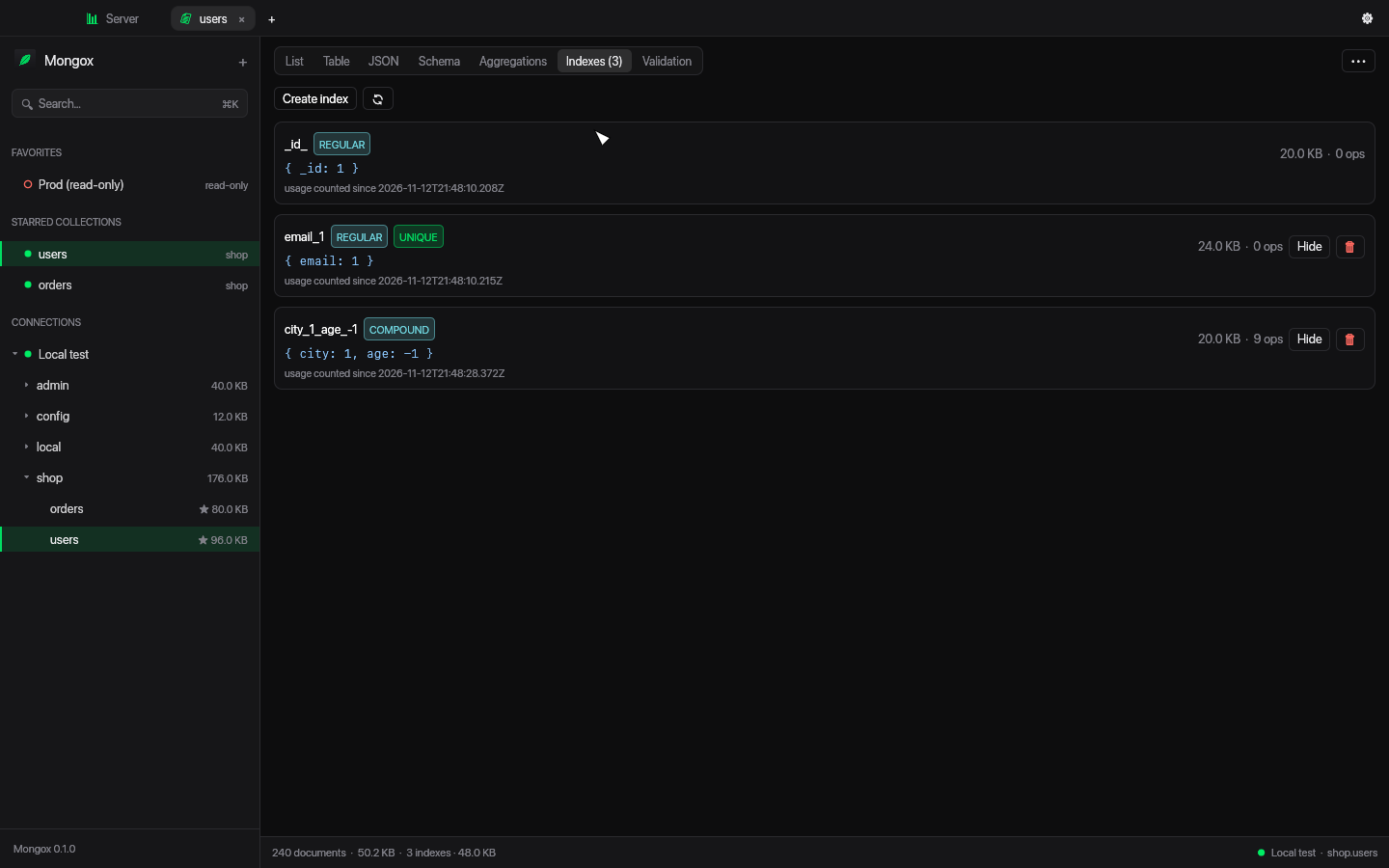
Create any index type, see usage and size, and read explain plans at a glance.
mongosh-style JavaScript on an embedded engine: CRUD, aggregate, bulkWrite, runCommand, rs.status().
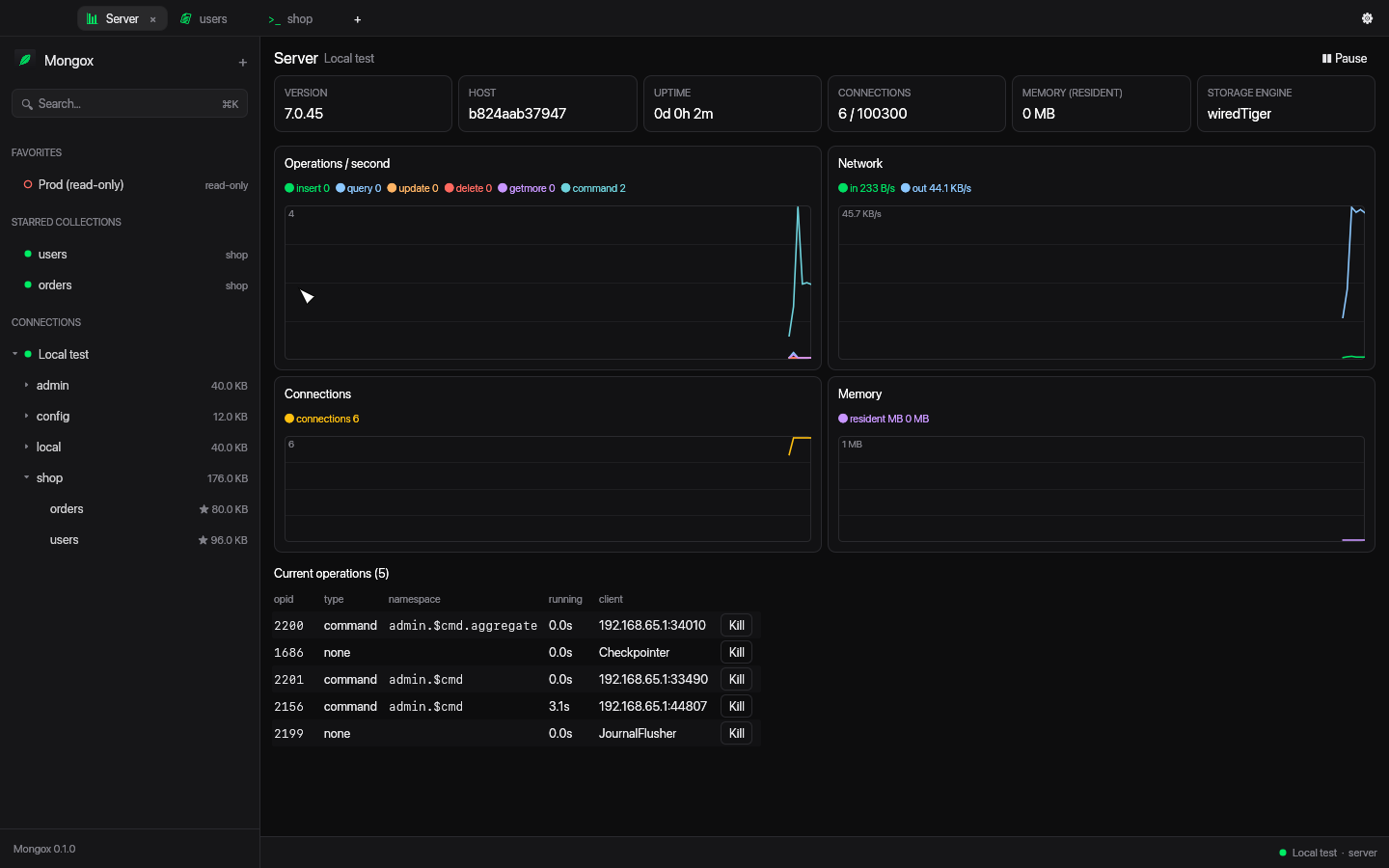
Live ops/sec, network, connections and memory charts, plus current operations you can kill.
JSON, NDJSON and CSV, streamed to disk with progress and cancel.
Bring over connections, favorite queries and saved pipelines in one click.
Scan hundreds of documents as rows, with exact counts and paging.
See the output after every stage and catch mistakes like unknown accumulators before you run.
Sample a collection and see every field’s types and how often it appears. Copy it as $jsonSchema.
Write mongosh-style scripts; each run gets its own output block. ⌘↵ runs the script or selection.
Index scan or collection scan, docs and keys examined — without reading raw JSON.
Type, properties, size and usage for every index. Hide, unhide or drop in a click.
Live charts of what your server is doing, and the operations running right now.
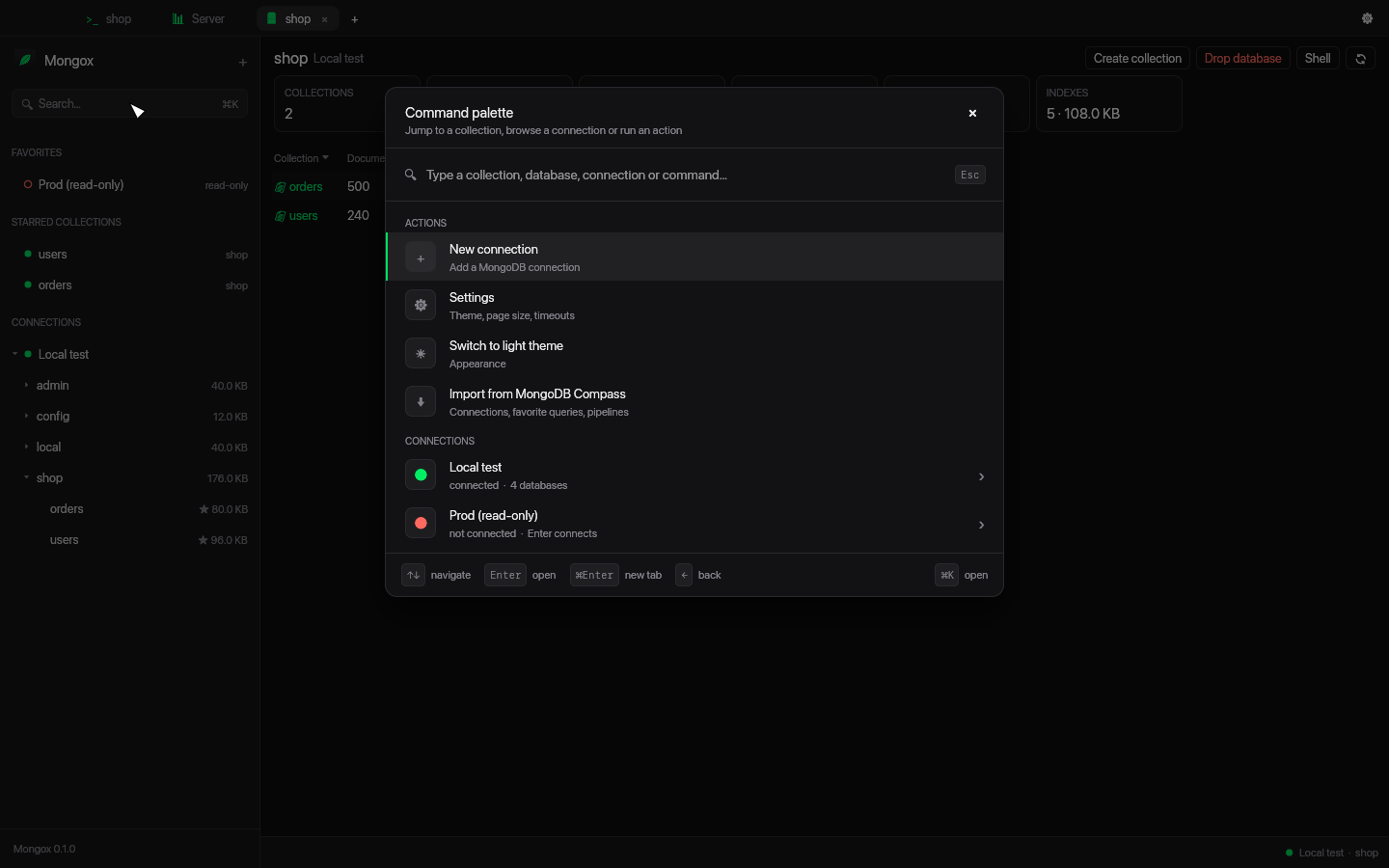
Jump to any connection, database or collection, or run any action from the command palette.
Build from source with Rust:
./scripts/bundle-macos.sh
cp -R target/release/Mongox.app /Applications/
Your data stays yours: settings live in ~/Library/Application Support/Mongox, passwords in the Keychain.